Femtet Help/Manual
 

Home / Tutorial / Electromagnetic Analysis (3D Harmonic Analysis) (Hertz) / 03.Create the Rectangles for the Stub Electrode

00

01

02

03

04

05

06

07

08

09

10

11

12

03.Create Rectangles for the Stub Electrode

Two rectangles for the stub electrode are created.


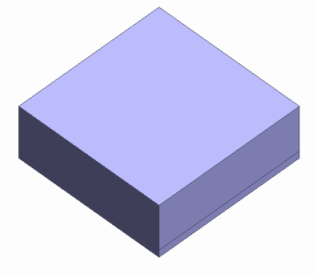
Before


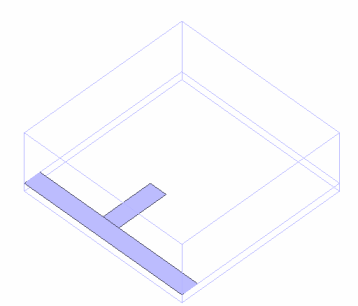
After


Procedure


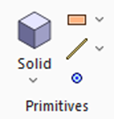
  1. On the [Model] tab, go to and click [Rectangle [Specify Length]] .


  1. Designate the start point.

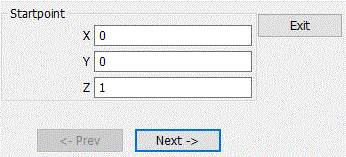
    In the parameter input dialog box, enter Startpoint (X: 0, Y: 0, Z: 1) and click .


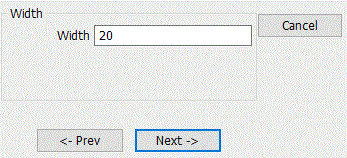
  1. Set the width.

    Enter Width: 20 and click .


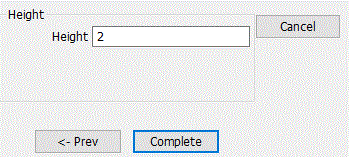
  1. Set the height.

    Enter Height: 2 and click .

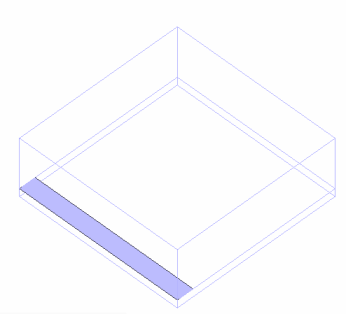
A rectangle has been created.


* In this figure, the created rectangle is selected.

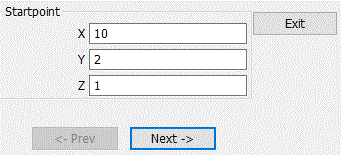
  1. Create another box for the ambient air (AIR).

    In the parameter input dialog box, enter Startpoint (X: 10, Y: 2, Z: 1) and click .
     

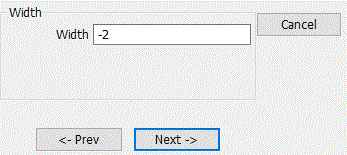
  1. Set the width.

    Enter Width: -2 and click .

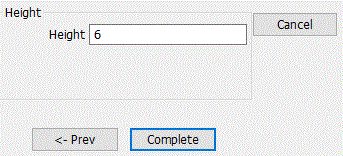
  1. Set the height.

    Enter Height: 6 and click .

  1. Click in the parameter input dialog box and exit.


We now have two rectangles.


* In this figure, the rectangles created here are selected.

Prev Next