


|
Home / Tutorial / Electromagnetic Analysis (3D Harmonic Analysis) (Hertz) / 05.Move the Stub Electrode
05.Move the Stub Electrode
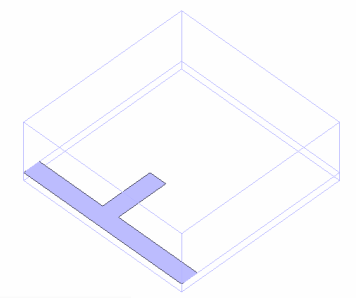
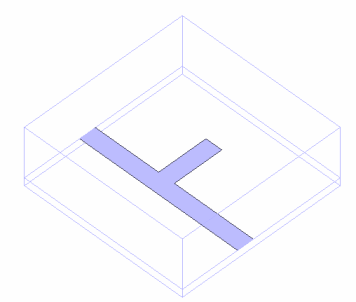
We move the stub electrode to the target location.
|
|
|
|
|
Before |
|
After |

Procedure
|
|
||||||
|
|
||||||
|
|
||||||
|
|
||||||
|
Click |
|
||||||
|
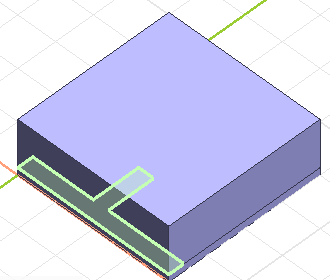
Now the stub electrode is properly positioned.
|
|

 .
.
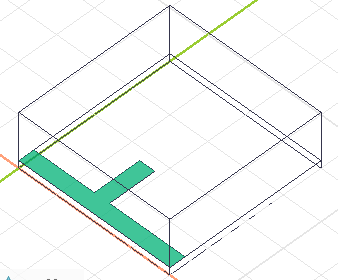

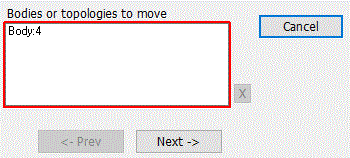

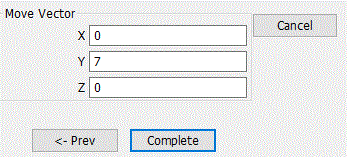
 in the parameter input dialog box and exit.
 Prev Next