Home / Tutorial / Electromagnetic Analysis (3D Harmonic Analysis) (Hertz) / 09.Confirm the Boundary Conditions
09.Confirm the Boundary Conditions
The outer boundary condition is set up here.
Procedure 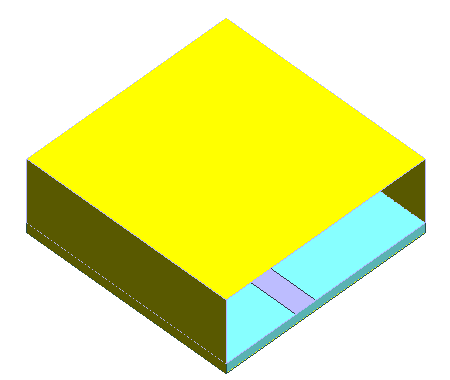
-
Let's check the outer boundary condition setting.
On the [Model] tab, go to  , ,
and click [Outer Boundary Condition]  . .
|
|
-
In the [Edit Boundary Condition] dialog box,
go to the [Electric] tab, and
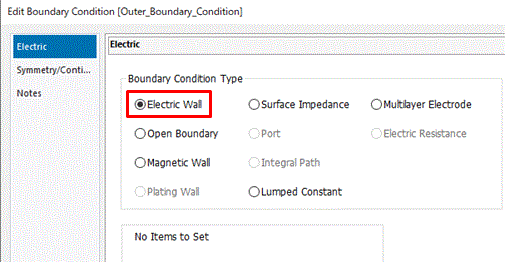
confirm that the Boundary Condition Type is Electric Wall.
Then click  . .
Now the outer boundary condition is confirmed to be Electric Wall.
-
More on the outer boundary conditions
There are two types of boundaries: the outer and the inner boundaries.
The outer boundary is the area where a body meets just the surrounding.
The inner boundary is the area where two bodies are contacting each other.
For the outer boundary, the electric wall is not so common, even though it is the default.
"Electric wall" or "conductor wall" is suitable for a shielded model like waveguide. For other cases, "open boundary" will be more suitable.
For setting, on the [Model] tab, go to then click
[Outer Boundary Condition]
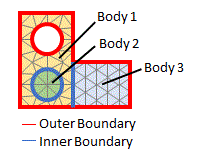
The outer boundary condition is explained here.
|
|
|
The boundary conditions have been set. |
|


 Prev
Prev