Home / Tutorial / Electromagnetic Analysis (3D Harmonic Analysis) (Hertz) / 04.Unite the Rectangles to form the Stub Electrode
04.Unite the Rectangles to form the Stub Electrode
We unite two rectangles in this session.
Procedure
-
On the [Model] tab, go to
 , ,
and click []  . .
|
|
-
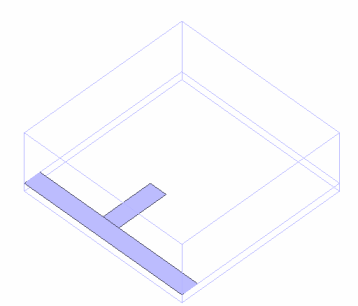
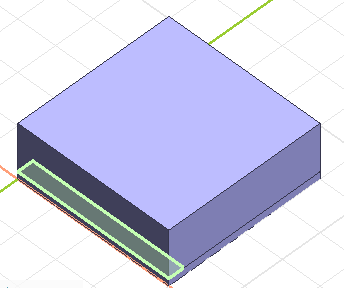
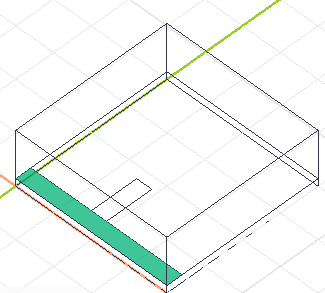
Highlight one electrode(rectangle) on the and click to select.
-
-
-
Space Key Method
Rest the mouse pointer on the overlapping area, and press the <Space> key.
The body selection will change. The left-click will fix the selection.
-
List Selection Method
Rest the mouse pointer on the overlapping area, and press the <Tab> key.
The body selection list will appear. Select the body of your interest and left-click to fix the selection.
For more details, refer to How to Select Body and Topology where you will find
"Clicking the Mouse" and
"List Selection Method".
|
|
-
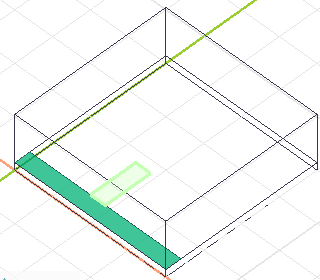
Highlight another electrode(rectangle) while pressing the <Ctrl> key and click to select.
-
The Unite operation is not affected by the order of body selection.
|
|
-
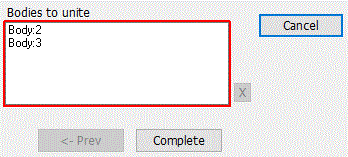
Click  in the [Unite (Boolean)] dialog box. in the [Unite (Boolean)] dialog box.
|
|
|
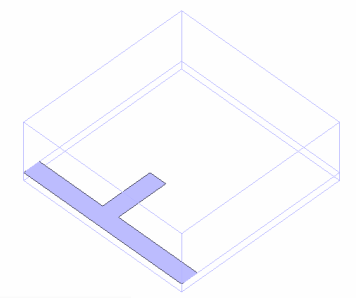
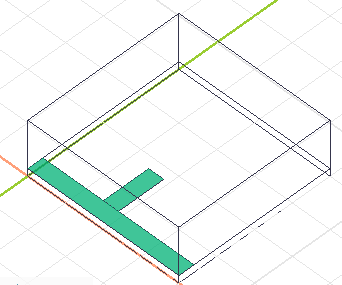
Two rectangles have been united.
|
|



 Prev Next