


|
Home / Tutorial / Acoustic Analysis (Mach) / 04.Set the Body Attributes and the Material Properties
04.Set the Body Attributes and the Material Properties
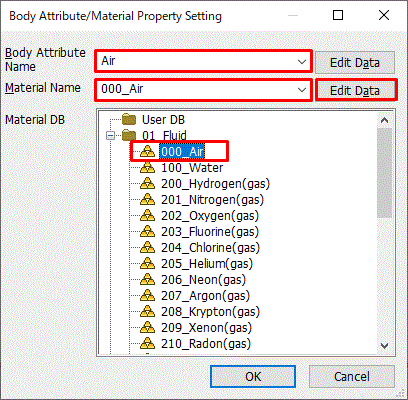
We assign names to the body attributes and the material properties. Various parameters associated with them will be set up here, too.
The body attribute is required to be set on each body. Various specific data, such as the thickness in the 2D analysis, the width of the wire element, the coordinates for anisotropic material, can be set on the body attribute.
Body attribute is distinguished by its name. Therefore it is not allowed to assign the same name to the different body attributes.
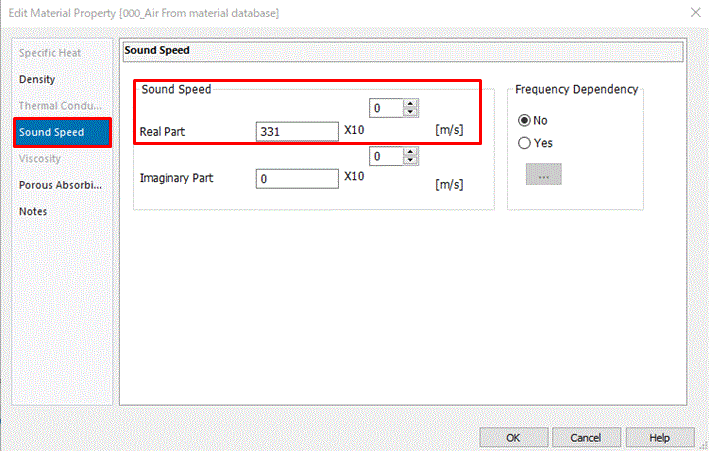
Material property constitutes the body. The material data might vary depending on the simulation you try.
Material property is distinguished by its name. Therefore it is not allowed to assign the same name to the different material data.
Procedure
|
|
||||||
|
|
||||||
|
|
||||||
|
|
||||||
|
The body attributes and the material properties have been set.
|
|
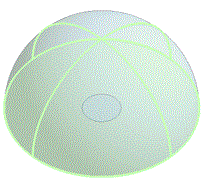

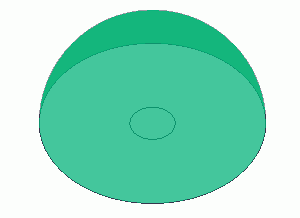

 .
. .
.
 .
.
 Prev Next