
|
Home / Tutorial / Acoustic Analysis (Mach) / 08.Create the Animation
08.Create an Animation
Procedure
|
|
|
|
|
|
|
|
|
|
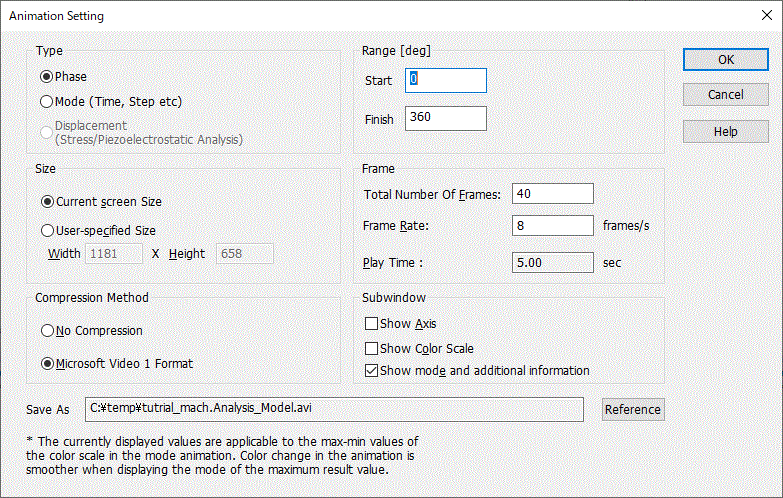
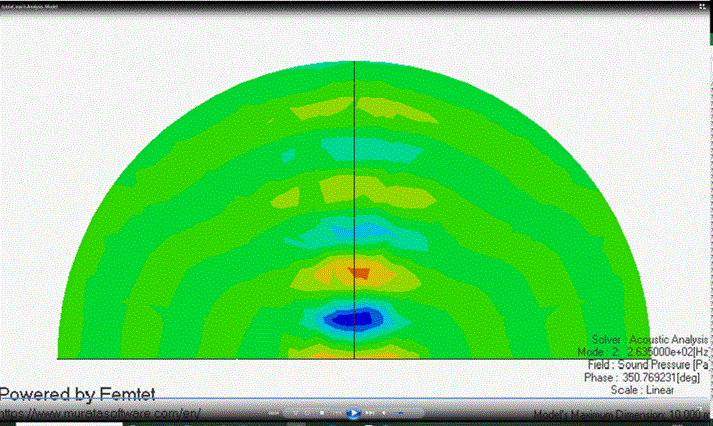
The animation will be shown. |
|
 at
at  on the
 to automatically advance modes or phases sequentially, and play the animation. During the play, Stop button
  will appear. If it is clicked, the animation will stop.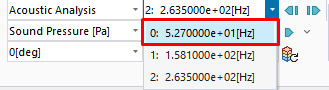
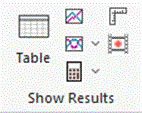
 .
. .
.
 Prev Next


|
|
Home / Tutorial / Acoustic Analysis (Mach) / 08.Create the Animation
|
|
|
|
|
|
|
|
|
|
The animation will be shown. |
|
Prev Next