CAE Software【Femtet】Murata Software Co., Ltd.

- Top
- Product<
- Applications
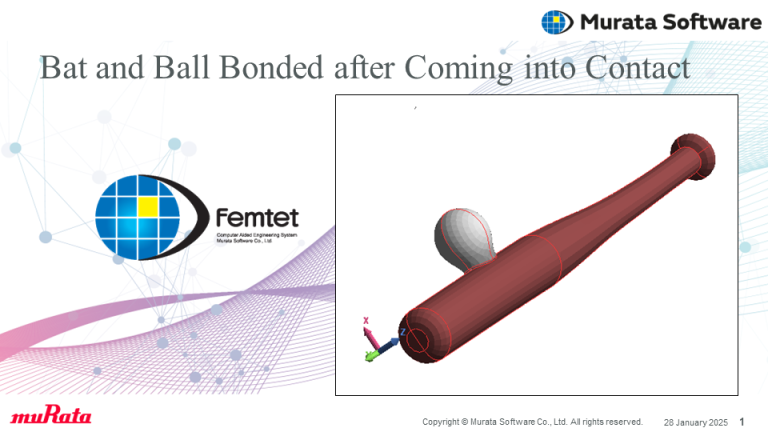
- Bat and Ball Bonded after Coming into Contact
Application112 Bat and Ball Bonded after Coming into Contact
General
This example analyzes a bat and a ball that have bonded after coming into contact.
Analysis Model
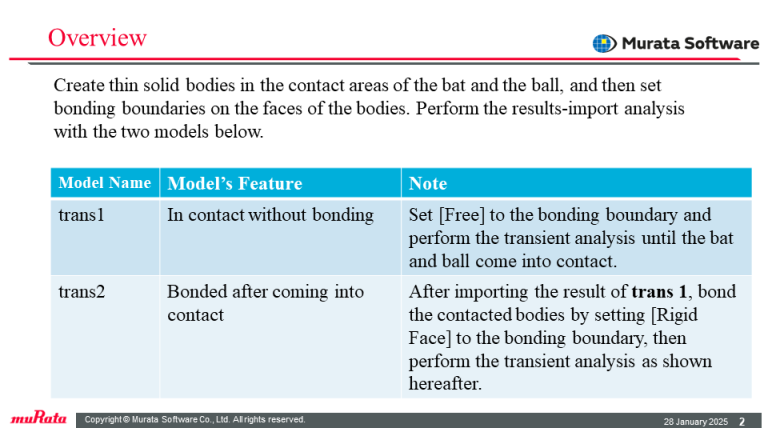
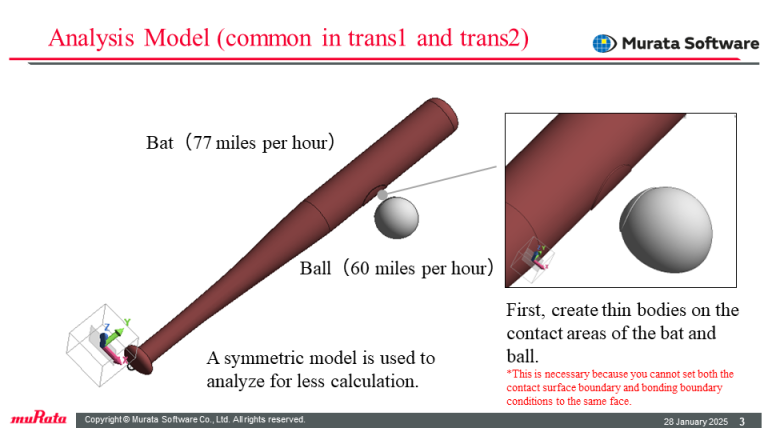
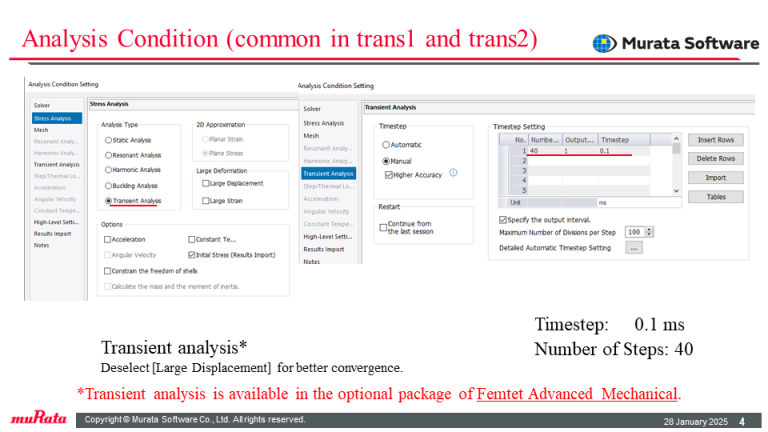
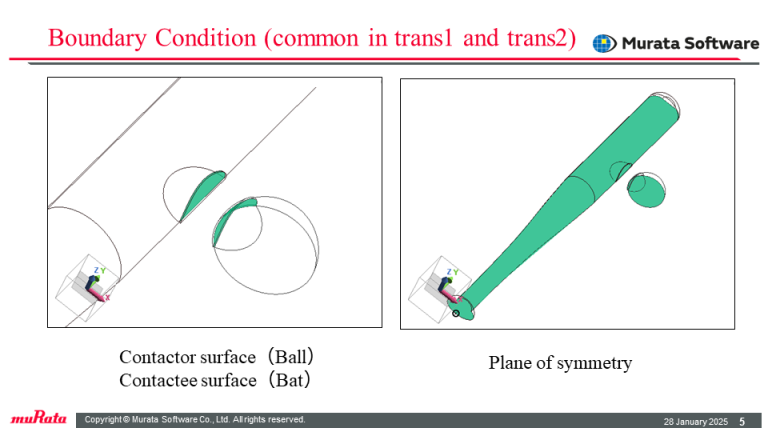
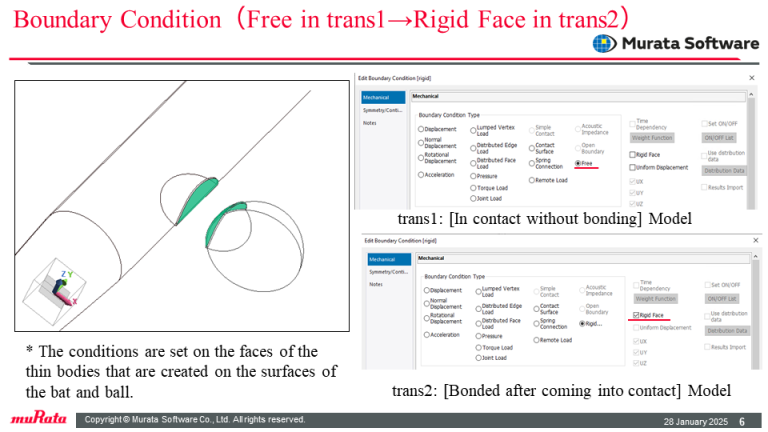
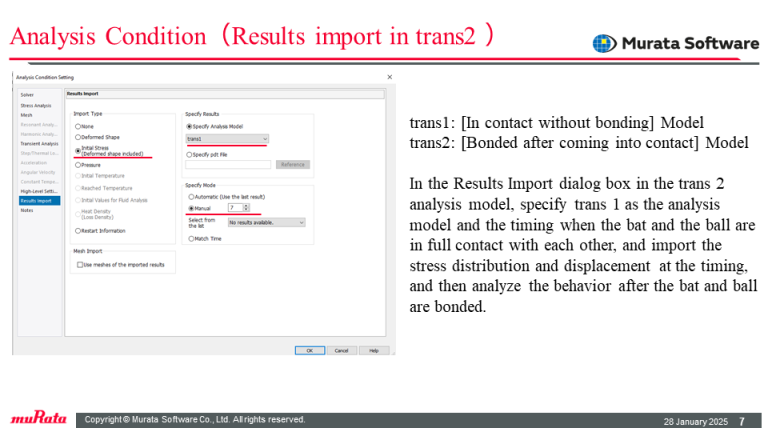
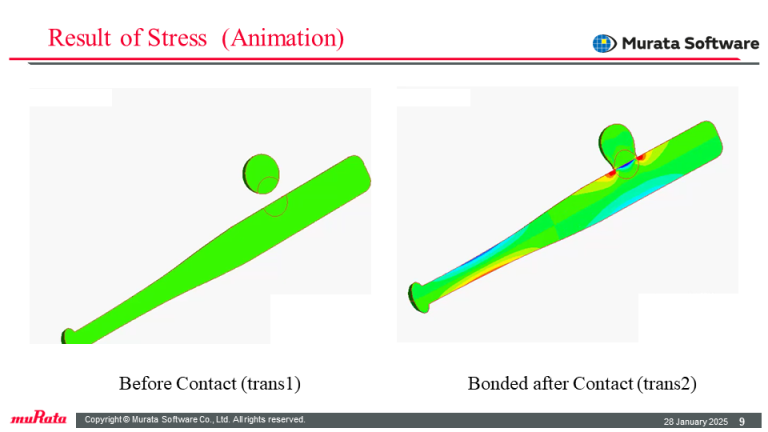
Beforehand, assign initial velocities in opposite directions to the bat and the ball. Set the boundary conditions of contactor and contactee to contacting areas. Prepare two models: one for analyzing the behavior before their contact and another for analyzing the behavior with each other bonded after contact. Perform the results-import analysis with those models. Create thin solid bodies in the contact areas of the bat and the ball. To achieve bonding after contact, change the boundary conditions of the faces from [Free] to [Rigid Face] in the results-imported model.
Result
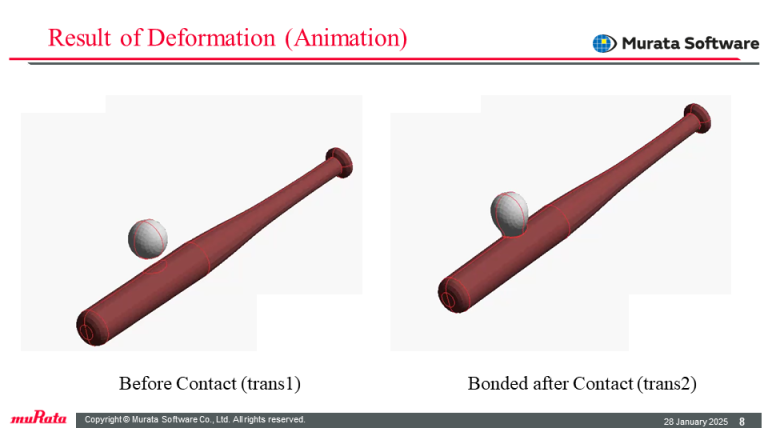
The displacement and stress result diagrams indicate the integrated bat and ball, bonded at the contact faces, move while repeating stretching vibrations.
Please see Femtet official YouTube Channel where you can see the movie of this example.
Click here.