


|
Home / Tutorial / Fluid Analysis_2 (Bernoulli, Diffusion Analysis: Automatic Internal Fluid Creation) / 05. Create a Sheet Body for Lid at the Opening.
05. Create a Sheet Body for Lid at the Opening.
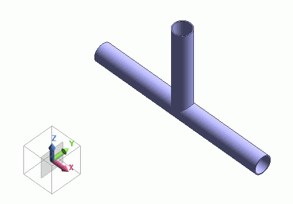
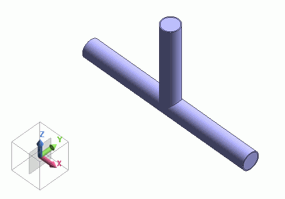
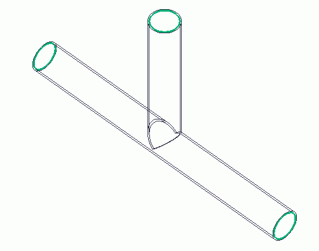
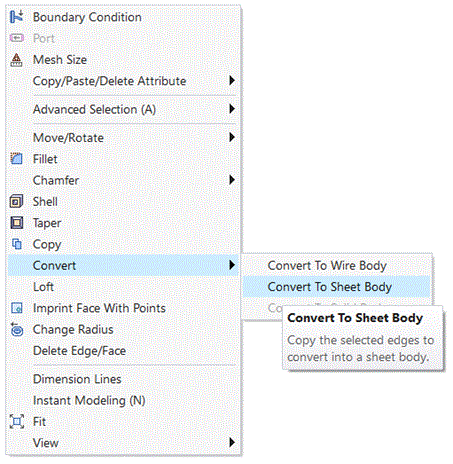
Using a right-click menu for creating a sheet body from edges, create a sheet body for a lid at the opening of the T-shaped pipe.
By placing a sheet body at the opening, the internal fluid domain can be automatically created during meshing.
|
|
|
|
|
Before |
|
After |

Procedure
|
|
||||||||||||
|
|
|
||||||||||||
|
|
|
||||||||||||
|
|
|
||||||||||||
|
A sheet body for the lid has been created at the opening. |
|

 .
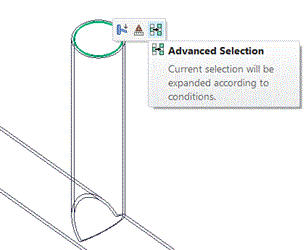
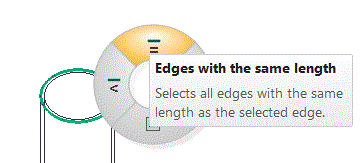
. in the mini toolbar appearing at the right side, and select
  in the appearing radial menu.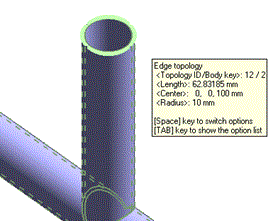
 Prev
Prev