Magnet is created here.
-
Create a rectangle.
On the [Model] tab go to 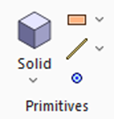 , click [Solid], and click [Rectangle [Specify Length]] , click [Solid], and click [Rectangle [Specify Length]]  . .
|
|
|
-
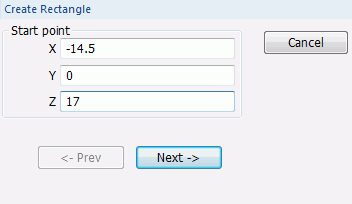
Designate the start point.
In the parameter input dialog box, enter Startpoint (X: -14.5, Y: 0, Z: 17) and click  . .
|
|
|
-
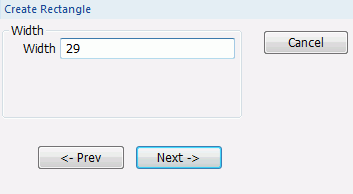
Set the width.
Enter Width: 29 and click .
|
|
-
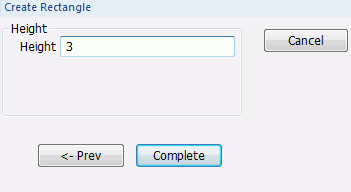
Set the height.
Enter Height: 3 and click  . .
|
|
|
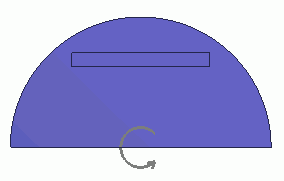
A rectangle has been created. |
|
-
Rotate it 45 degrees.
On the [Model] tab, go to

and press ▼ at the side of
[ Move/Rotate] Move/Rotate]
Then click [Rotate] on the submenu. on the submenu.
(Alternatively, right-click the mouse. On the appearing menu, select [Move/Rotate] and click [Rotate].
|
|
-
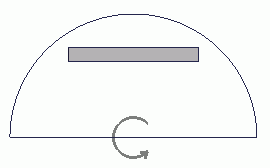
Select the rectangle.
-
|
|
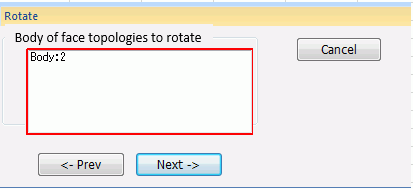
- Click in the parameter input dialog box.
|
|
-
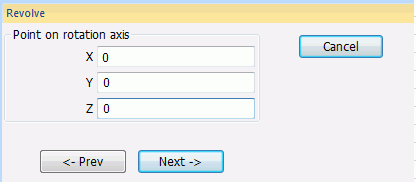
Enter Point on Rotation Axis (X: 0, Y: 0, Z: 0) and click .
|
|
-
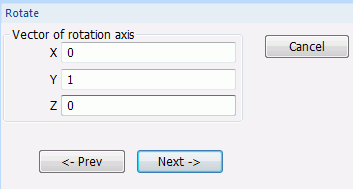
Enter Direction Vector of Rotation Axis (X: 0, Y: 1, Z: 0) and click .
|
|
-
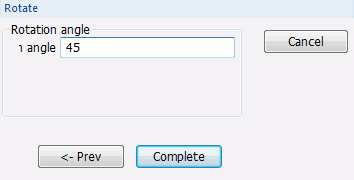
Enter Rotation Angle: 45 and click .
|
|
- Click
 in the parameter input dialog box and exit. in the parameter input dialog box and exit.
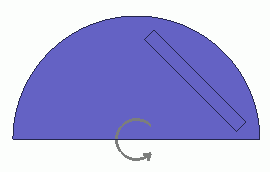
The body is now rotated by 45 degrees.
|
|
-
Ring copy.
On the [Model] tab, go to
and click ▼ at the side of
[ Copy]. Copy].
Then click [Ring Copy] on the submenu. on the submenu.
(Alternatively, right-click the mouse. On the appearing menu, select [Copy]-[Ring])
|
|
-
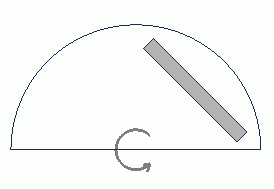
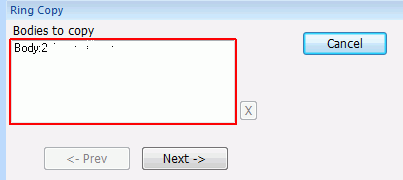
Select the magnet.
|
|
-
Click in the parameter input dialog box.
|
|
-
Enter Point on Rotation Axis (X: 0, Y: 0, Z: 0) and click .
|
|
-
Enter Direction Vector of Rotation Axis (X: 0, Y: 1, Z: 0) and click .
|
|
-
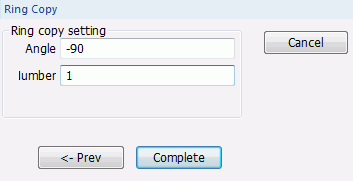
Enter Angle: -90, Number: 1 and click .
|
|
|
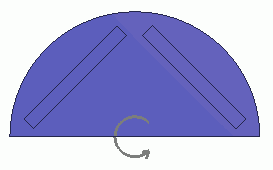
The magnet is now ready. |
|



 Prev Next