Femtet Help/Manual
 

Home / Tutorial / Magnetic Analysis (Luvens, Transient Analysis of Motor) / 12.Run the Mesher and the Solver

00

01

02

03

04

05

06

07

08

09

10

11

12

13

14

12.Run the Mesher and the Solver

Run the solver.

Procedure

  1. We save the project.

    Go to and click the [File]
    tab and select [Save Project As] .

    Enter the file name and the location in the [Save As] dialog box, and save it.


  1. On the [Model] tab, go to ,

    and click [Run Mesher/Solver] .

    The calculation will start.


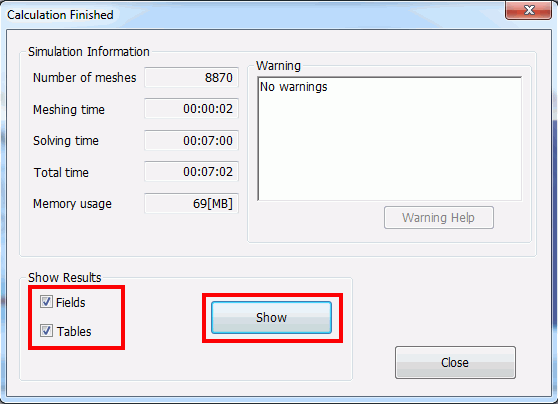
  1. The [Calculation Finished] dialog box will show up when the calculation finishes.

    Select both [Field] and [Table]

    and click .

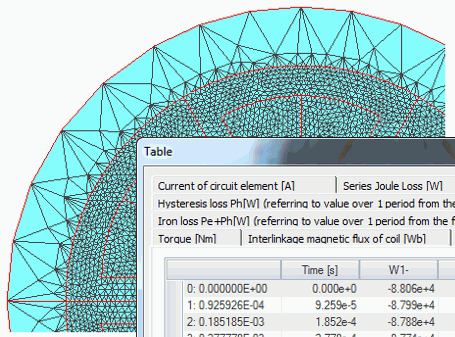
The screen will change to Results Window, and the meshing result will show up.
The table will also show up.


Prev Next