Create shapes using primitives for the coil.
-
Create line for the coil.
On the [Model] tab, go to 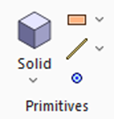 and click [Wire Body] - [Line (wire body)] and click [Wire Body] - [Line (wire body)]  . .
|
|
-
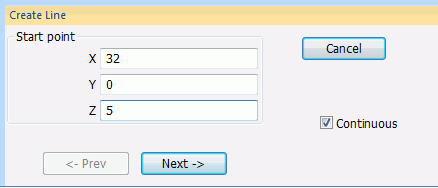
In the parameter input dialog box, enter Startpoint (X:32, Y:0, Z:5) and click 
|
|
-
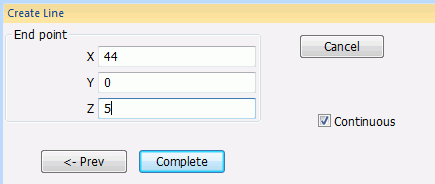
In the parameter input dialog box, enter Endpoint (X:44, Y:0, Z:5) and click  . .
|
|
-
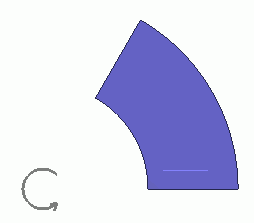
A line has been created.
Click  in the parameter input dialog box and exit. in the parameter input dialog box and exit.
|
|
-
Modify the line to form the coil.
On the [Model] tab, go to

and press ▼ at the side of
[Extrude].
Then click [Revolve] on the submenu. on the submenu.
(Alternatively, right-click the mouse. On the appearing menu, select [Deform]-[Revolve])
|
|
-
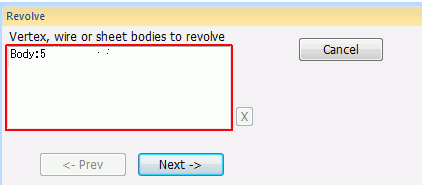
Select the Line body.
|
|
-
Click in the [Revolve] dialog box.
|
|
-
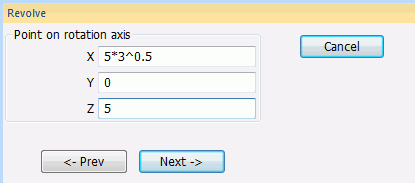
Specify the point on the rotation axis.
In the parameter input dialog box, enter Point on Rotation Axis (X: 5*3^0.5, Y: 0, Z: 5) and click .
|
|
-
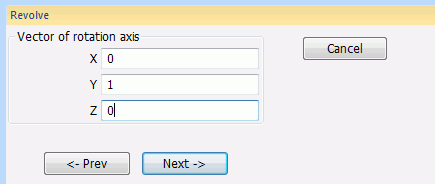
Specify the direction vector of the rotation axis
Enter Direction Vector of Rotation Axis (X: 0, Y: 1, Z: 0) and click .
|
|
-
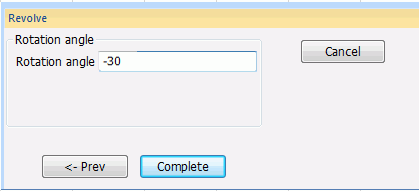
Specify the rotation angle.
Enter Rotation Angle: -30 and click
|
|
|
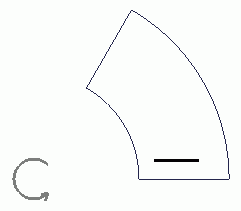
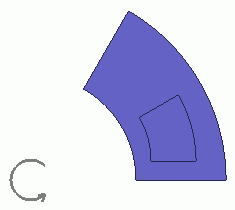
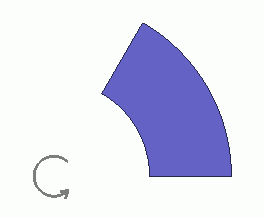
A coil has been created. |
|
-
Ring copy.
On the [Model] tab, go to
and click ▼ at the side of
[ Copy]. Copy].
Then click [Ring Copy] on the submenu. on the submenu.
(Alternatively, right-click the mouse. On the appearing menu, select [Copy]-[Ring])
|
|
-
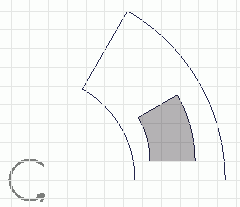
Select the Coil body.
|
|
-
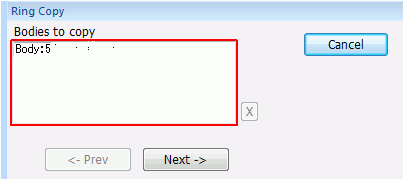
Click in the parameter input dialog box.
|
|
-
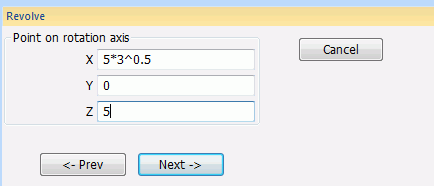
In the parameter input dialog box, enter Point on Rotation Axis (X: 5*3^0.5, Y: 0, Z: 5) and click .
|
|
-
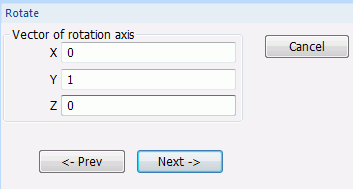
In the parameter input dialog box, enter Direction Vector of Rotation Axis (X: 0, Y: 1, Z: 0) and click .
|
|
-
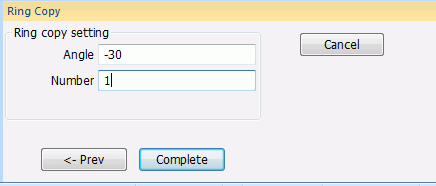
In the parameter input dialog box, enter Angle: -30, Number: 1 and click .
|
|
|
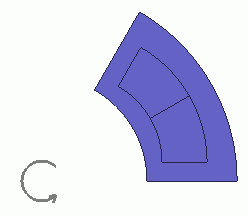
One third of the coil section has been created. |
|



 Prev Next