


|
Home / Tutorial / Modeling / 04.Create the Hinge's Outer Cylinder
04.Create a Hinge's Outer Cylinder
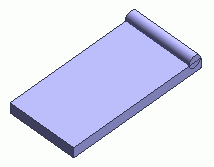
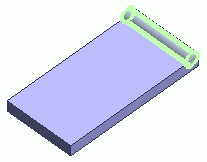
We create an outer cylinder for the hinge.
|
|
|
|
|
Before |
|
After |

Procedure
|
|
|
|
|
|
|
|
|
|
|
|
|
|
The outer cylinder of the hinge has been created.
|
|
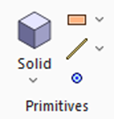
 .
.  on the submenu.
 .
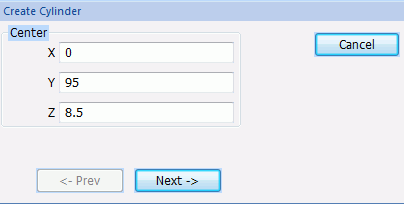
.
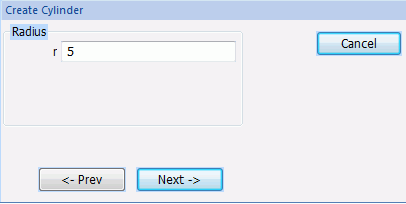
 .
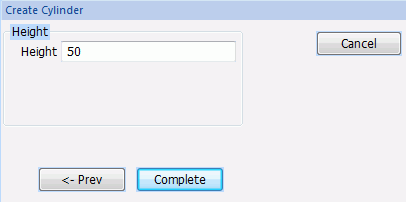
. 
 in the parameter input dialog box and exit.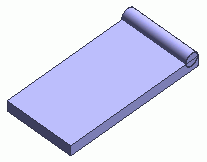
 Prev
Prev