Home / Tutorial / Modeling / 15.Create the Keys
15.Create Keys
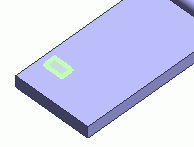
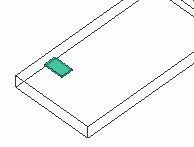
Let's create keys on the bottom case.
Procedure
-
On the [Model] tab, go to 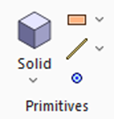 , click [Solid], and select [Box [Specify Length]] , click [Solid], and select [Box [Specify Length]]  on the submenu. on the submenu.
|
|
|
-
Designate the startpoint.
In the parameter input dialog box, enter Startpoint (X: 5, Y: 15, Z: 9) and click  . .
|
* The operation images are omitted. |
|
-
Enter Width: 12 and click .
|
|
|
-
Enter Depth: 7 and click .
|
|
|
-
Enter Height: -1 and click  . .
|
|
-
Click  in the parameter dialog box and exit. in the parameter dialog box and exit.
|
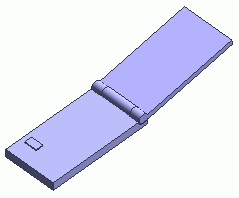
|
-
On the [Model] tab, go to

and click ▼ at the side of [ Copy] . Copy] .
Then click []  on the submenu. on the submenu.
|
|
-
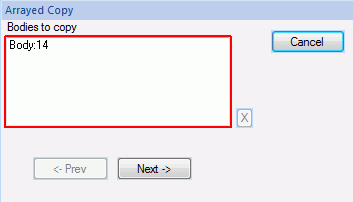
On the modeling window, click and select the button created at step 6.
|
|
-
Click in the parameter input dialog box.
|
|
-
Enter Pitch: 14 and Number: 2 in [Copy setting in the 1st direction], and click .
-
Enter Pitch: 9 and Number: 4 in [Copy setting in the 2nd direction], and click .
-
Enter Pitch: 0 and Number: 0 in [Copy setting in the 3rd direction], and click .
-
Click in the parameter input dialog box and exit.
|
|
|
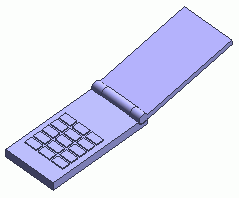
The keys are now ready.
|
|



 Prev
Prev