Femtet Help/Manual
 

Home / Tutorial / Modeling / 23.Fillet the Key Edges

00

01

02

03

04

05

06

07

08

09

10

11

12

13

14

15

16

17

18

19

20

21

22

23

23.Fillet the Key Edges

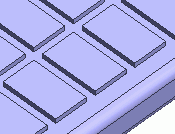
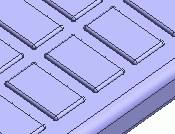
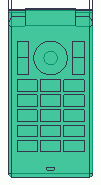
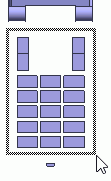
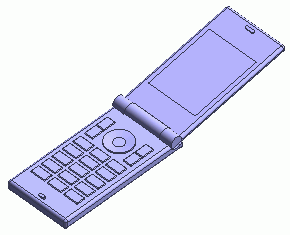
We round the key edges.


Before


After


Procedure

  1. First, change the viewpoint for easy manipulation.

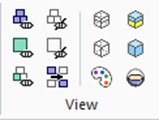
    Go to the [Viewpoint Operation] tool panel


    and press ▼ at the bottom of [Change View] .

Then select [Top View] on the submenu.


  1. Let's hide the irrelevant bodies.

    On the [
    Model] tab, go to


    and click Select Body on the drop-down list at

    Highlight the irrelevant bodies and click to select.


    Click [Hide Body]


  2. Area Selection can be used to select the center button.


Click

Highlight


Selected

  1. On the [Model] tab, go to

    ,

    and click [Fillet] .


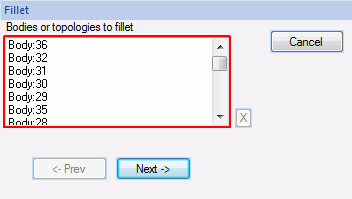
  1. Select all the keys with Area Selection.

  1. Click in the parameter input dialog box.


  1. Enter Radius: 0.5 and click .


    Rounding the key edges is completed.
     
  2. To get back to the original view, go to


    and click [Show All] .

    Then, go to the [Viewpoint Operation] tool panel


    and click [Isometric View] .
     

  1. All bodies will turn wireframe

    if you click [Wireframe All]

    in .

    Colors will be back on if you click [Paint and Shade All]
    .


This is the end of the modeling exercise.


  • Obtain this session's project file. (Right-click and choose 'Save link as')


Prev Tutorial Top Page