Femtet Help/Manual
 

Home / Tutorial / Modeling / 12.Modify the Bottom Case

00

01

02

03

04

05

06

07

08

09

10

11

12

13

14

15

16

17

18

19

20

21

22

23

12.Modify the Bottom Case

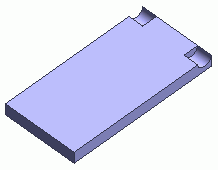
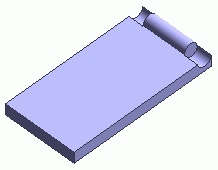
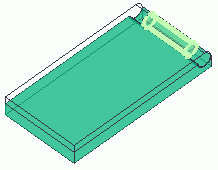
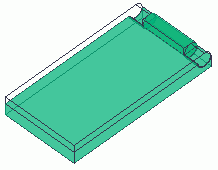
Let's unite the bottom case and the inner cylinder of the hinge.


Before


After


Procedure

  1. On the [Model] tab, go to

    ,

    and click [Unite (Boolean)] .


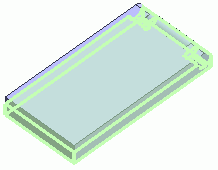
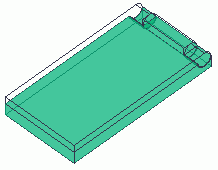
  1. Highlight the bottom case and the hinge's inner cylinder and click to select.


Click

Highlight the bottom case


Bottom case selected

Ctrl+click

Highlight the hinge's inner cylinder


Hinge's inner cylinder selected

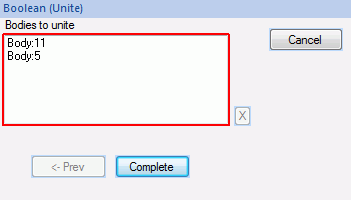
  1. Click in the [Unite (Boolean)] dialog box.


The bottom case has been modified.


* Only the bottom case is shown here.

Prev Next