Home / Tutorial / Modeling / 09.Modify the Top Case
09.Modify the Top Case
Let's modify the top case. Subtracts bodies from bodies.
Procedure
-
On the [Model] tab, go to

and click []  . .
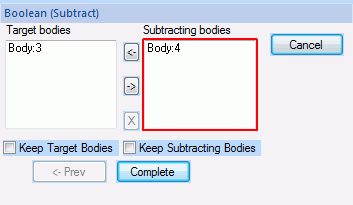
The [Subtract (Boolean)] dialog box will appear.
-
Boolean operations include the following:
Unite: Bodies are united
Subtract: Tool bodies are subtracted from target bodies
Intersect: The common portion of bodies is extracted
This session uses Subtract.
|
|
-
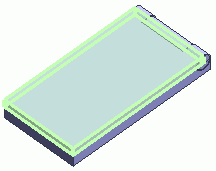
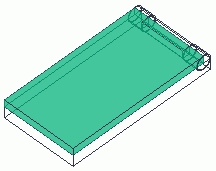
Highlight the top case (target body) on the modeling window and click to select.
|
|
|

Click |
|
|
Highlight the top case (target body) |
|
Top case (target body) selected |
|
-
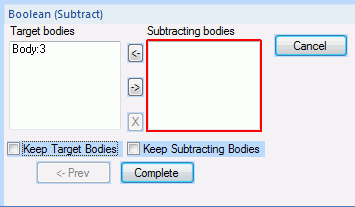
In the [Subtract (Boolean)] dialog box, click and activate the list box for [Subtracting Bodies] .
|
|
-
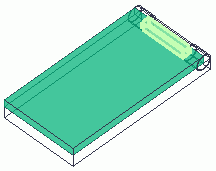
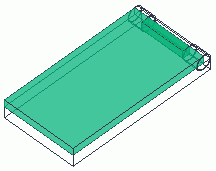
Highlight the box in the hinge (subtracting body) while pressing the <Ctrl> key and click to select.
|
|
|
Click |
|
|
Highlight the box in the hinge (subtracting body) |
|
Box in the hinge (subtracting body) selected |
|
-
Click  in the [Subtract (Boolean)] dialog box to exit. in the [Subtract (Boolean)] dialog box to exit.
The Subtract (Boolean) dialog box is explained here.
|
|
|
The top case has been modified.
|
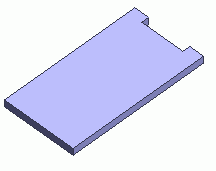
* Only the top case is shown here. |


 Prev
Prev