Home / Tutorial / Modeling / 19.Create the Opening for the Microphone
19.Create an Opening for the Microphone
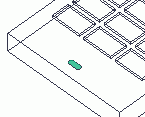
We create a track and extrude it to form the opening for the microphone.
Procedure
-
On the [Model] tab, go to 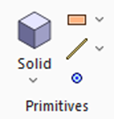 and click ▼ at the side of [Sheet Body] and click ▼ at the side of [Sheet Body]  . .
Then click  on the submenu. on the submenu.
|
|
-
Designate the 1st center.
In the parameter input dialog box, enter Startpoint (X:23.5, Y:5, Z:8) and click  . .
|
|
-
Designate the 2nd center.
In the parameter input dialog box, enter Startpoint (X:26.5, Y:5, Z:8) and click .
|
|
-
Set the radius.
Enter Radius: 1 and click  . .
|
|
-
Click  in the parameter input dialog box and exit. in the parameter input dialog box and exit.
Let's extrude the body
|
|
-
On the [Model] tab, go to

and click  . .
|
|
-
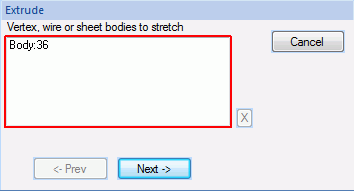
Highlight the track created at 5 and click to select.
|
|
-
Click in the parameter input dialog box.
|
|
-
Enter the extrusion vector (X:0, Y:0, Z:1) in the parameter input dialog box and click .
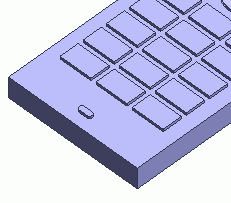
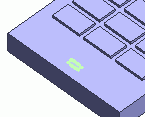
The opening for the microphone is now ready.
|
|



 Prev
Prev