Femtet Help/Manual
 

Home / Tutorial / Modeling / 22.Fillet the Case Edges

00

01

02

03

04

05

06

07

08

09

10

11

12

13

14

15

16

17

18

19

20

21

22

23

22.Fillet the Case Edges

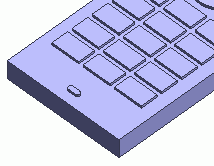
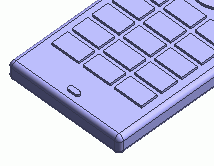
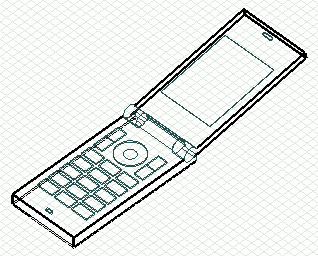
We round the case edges.


Before


After


Procedure

  1. We fillet the edge topologies.

    Change the viewpoint for easy manipulation.

    Go to the [Viewpoint Operation] tool panel


    and press ▼ at the bottom of [Change View] .

Then select [Top View] on the submenu.


  1. On the [Model] tab, go to

    ,

    and click [Fillet] .


  1. On the [Model] tab, go to

    ,

    and click [Select Edge] on the drop-down list at .


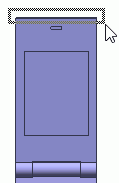
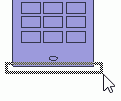
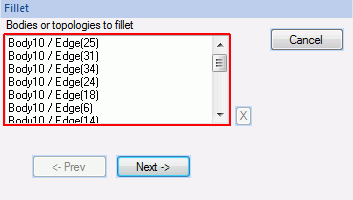
  1. Select the edge topologies to fillet.
     

  • [Area Selection] allows to select multiple edge topologies.
     

  • The object will be selected if just a part of it is in the area.


You may try the area selection repeatedly until all the target objects are selected.

  1. Click in the parameter input dialog box.
     

  1. Enter Radius: 2 and click .


Fillet operation has been completed.


  • To get back to the original view,

    on the [Model] tab, go to


    and click [Isometric View] .

Prev Next